In-App Notification Center
What you'll learn
In this guide, you'll learn what the In-App Notification Center is, how to access it, filter notifications by type and source, and use it to monitor activity across workflows, integrations, automations, and connected tools, all without leaving Master Inbox.
What is the In-App Notification Center
The In-App Notification Center helps users monitor activity across workflows, integrations, automations, and connected tools directly inside Master Inbox.
It provides real-time visibility into important updates so teams can stay informed without constantly switching between tabs or external platforms.
Using the Notification Center, you can:
Track workflow activity
Monitor replies and updates
View integration-related notifications
Monitor system activity in real time
Stay updated on automations and connected tools across workspaces
How to Access the Notification Center
To open the Notification Center:
Navigate to your Inbox and locate the Bell Icon in the top-right corner. The icon appears beside the Create Prospect button.
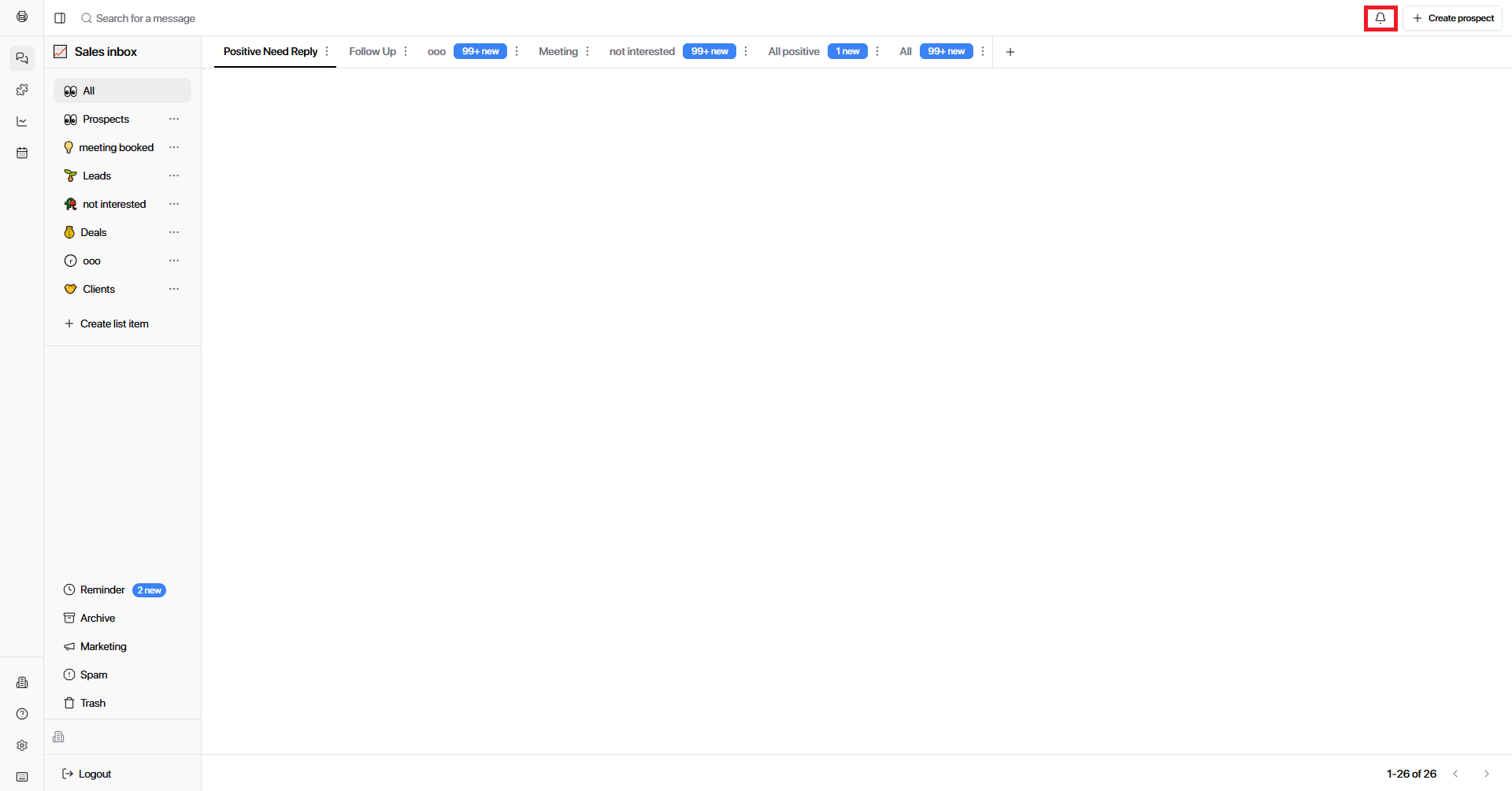
Click the icon to open the Notification Center panel.
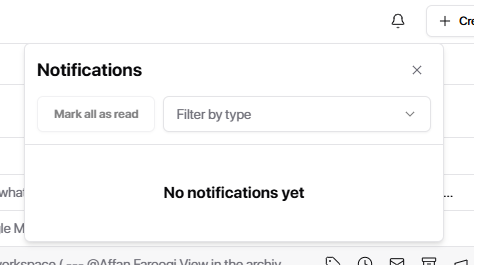
The panel displays real-time updates. Each notification inside the panel is grouped and displayed with its corresponding source and activity type, helping users quickly identify what requires attention.
Notification Type Filters
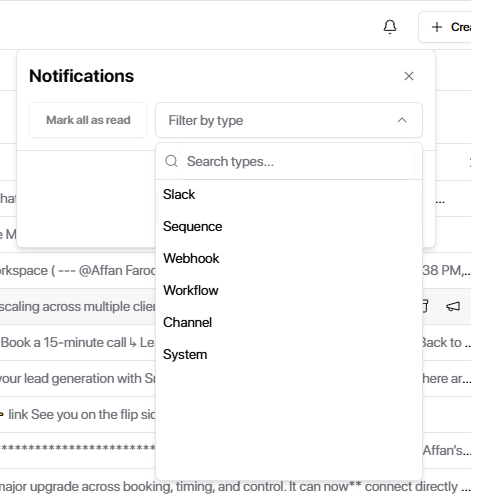
Users can filter notifications to focus on specific activity types. Available filters include:
Slack
See notifications related to your Slack integration.
Sequence
Track sequence-related events.
Webhook
Monitor webhook activity.
Workflow
See notifications triggered by workflow executions.
Channel
Monitor activity related to your connected channels.
System
Track platform-level updates.
Filtering helps teams quickly isolate relevant updates instead of reviewing all notifications manually.
Integration Filters
Integration-related notifications appear based on the tools connected to your workspace. If you haven't connected your integrations yet, visit Add an Integration.
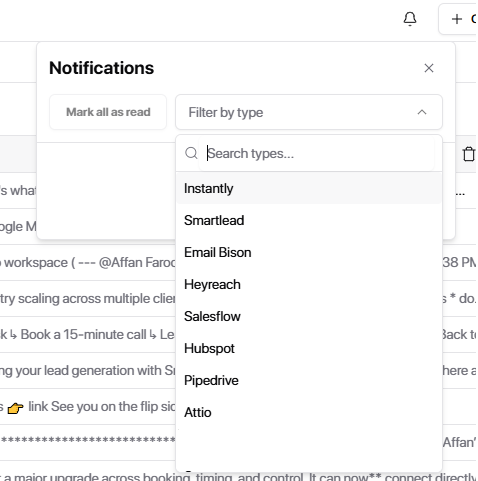
The Notification Center also supports filtering notifications by connected integrations. Available integration filters include:
HubSpot
Monitor CRM sync activity and workflow updates.
Instantly
Track sequence and reply activity from Instantly.
Smartlead
Monitor reply activity and campaign events.
EmailBison
Track email activity and connected mailbox events.
HeyReach
Monitor LinkedIn campaign and connection activity.
Salesflow
Track outreach and sequence events.
PipeDrive
Monitor CRM pipeline and deal activity.
Attio
Track CRM records and workflow sync events.
This makes it easier to monitor activity coming from a specific connected platform.
For example:
HubSpot — Workflow sync updates
Smartlead — Reply activity
Instantly — Sequence activity
Why the Notification Center Matters
Agencies
Monitor activity across multiple client workspaces from one place. Catch integration issues or sync failures before they affect client campaigns.
SDRs & BDRs
Stay on top of reply activity and sequence updates without switching between tools.
RevOps & Team Leads
Track workflow executions and CRM sync activity in real time. Verify automations are firing correctly and integrations are staying healthy.