
Every lead has an owner the moment it replies
Rotate leads across the team, route them by rules, or let the first rep to reply own the lead. Assigned leads land in that rep's own inbox, and managers see each rep's time to lead.
Free 7-day POC. Unlimited users on every plan, never priced per seat.
Four ways to hand out leads
Pick the mode that fits how your team sells.
For reps
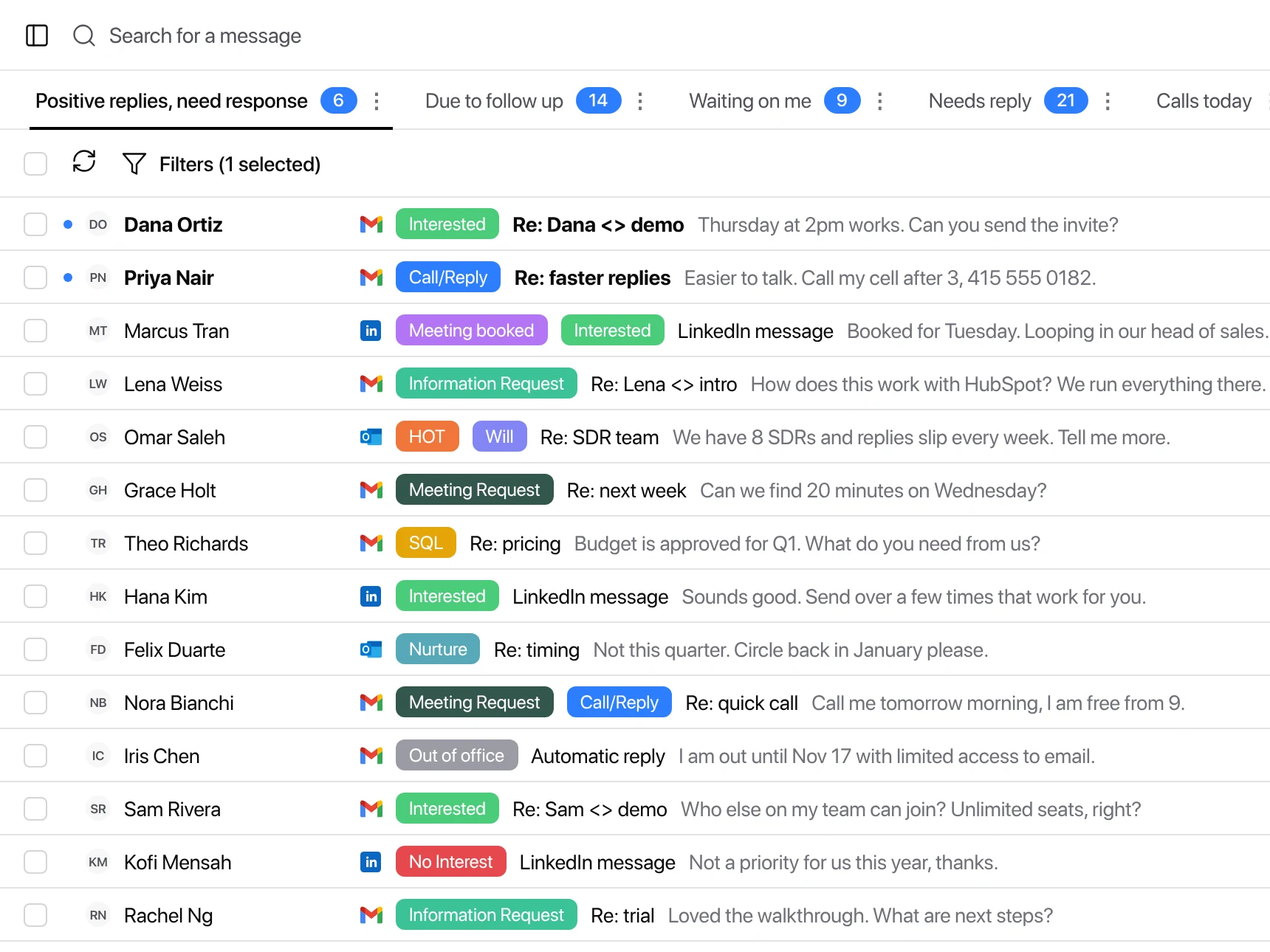
My Inbox: only the leads that are yours
An assigned lead shows up in that rep's My Inbox, labeled by intent and threaded across email and LinkedIn. No digging through a shared queue.
- One owner per lead. No two reps answering the same prospect.
- Reminders, not spreadsheets. Set a reminder or snooze a lead instead of keeping a follow-up tracker.
- Reply from anywhere. Master Inbox, Slack or Microsoft Teams, with the draft attached.
For managers
First come, first served, and you can see who came first
Move fast, get more meetings. With first come, first served the fastest rep owns the lead, and reporting shows every rep's time to lead against your SLA, so speed is rewarded and slow replies are visible.
Explore more: Master Inbox for SDR managers, Reporting, Time to lead, Workflows
Questions we get
What does a rep see when a lead is assigned to them?
Can we route leads by rules?
How does first come, first served work?
Can we keep working one shared inbox?
Can managers see who is slow?
See it on your own inboxes
Start your free 7-day POC and we set up your assignment rules with you, on your own inboxes.
Start your free 7-day POC