
Keep Smartlead for sending. Upgrade the inbox.
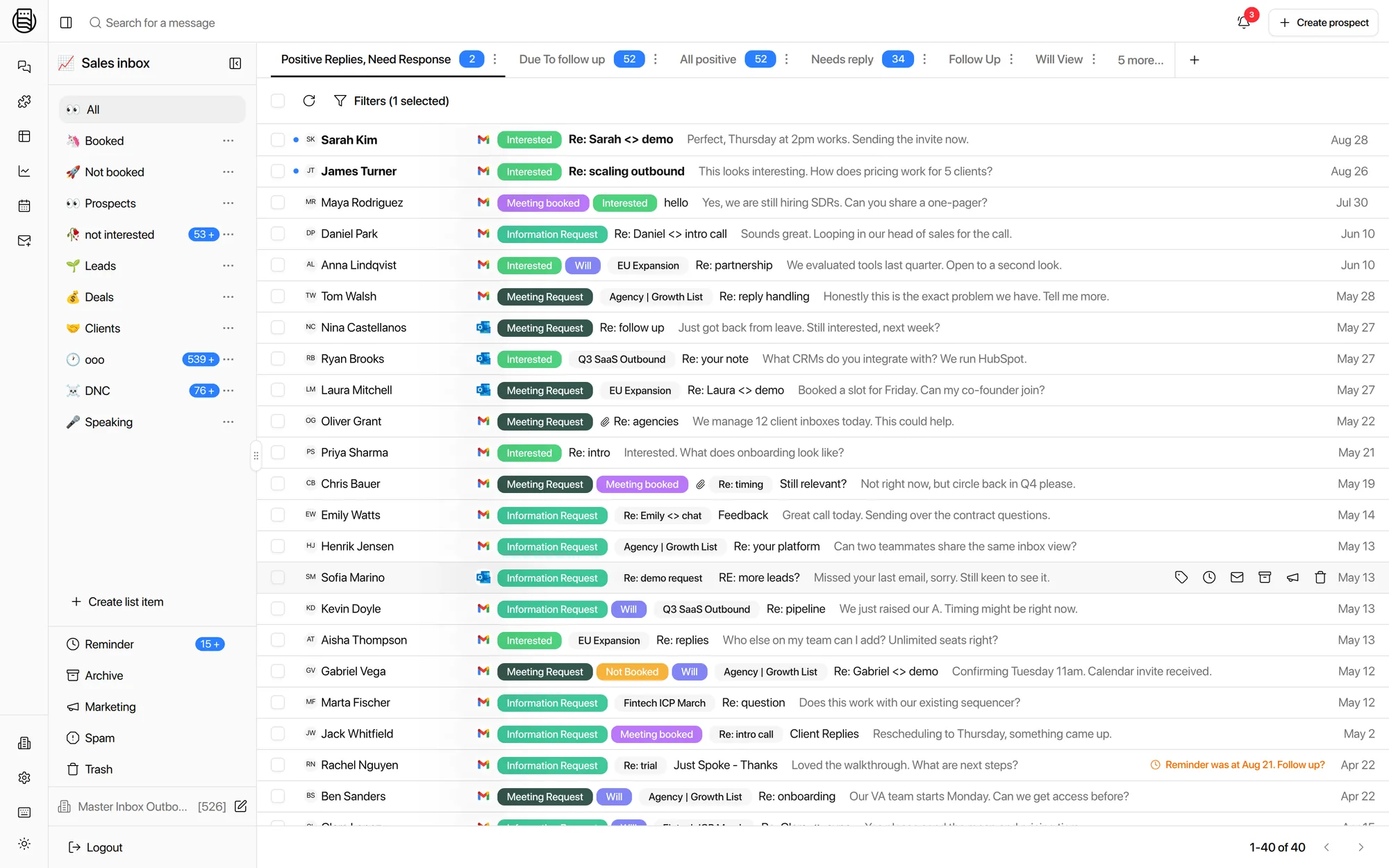
Smartlead calls its built-in reply tool “Master Inbox.” It only shows replies from that one workspace's Smartlead sends. The real Master Inbox reads every mailbox you own, across every sequencer, every client workspace, and LinkedIn.
Start your free 7-day POCFree 7-day POC. Unlimited users on every plan.
Smartlead is a strong sequencer and this page is not about sending. If you run one workspace and never touch LinkedIn or inbound leads, Smartlead's built-in inbox may cover you fine. The comparison below is about what happens once your team runs more than that.
What is Smartlead's built-in inbox?
Smartlead's built-in inbox is the reply view inside Smartlead itself. It shows replies to campaigns sent from that one Smartlead workspace, in one account. It is a solid tool for what it does. It does not show replies from other sequencers, other workspaces, LinkedIn, or mailboxes connected outside of Smartlead.
Master Inbox vs Smartlead's built-in inbox
Different job. Smartlead's inbox is a reply view scoped to one Smartlead workspace. Master Inbox is a reply layer that sits on top of every workspace and every sending tool you run.
| Master Inbox | Smartlead | |
|---|---|---|
| Built for | Every mailbox, every tool, every client workspace | Replies inside one Smartlead workspace |
| Scope of replies | All connected mailboxes across every sequencer and workspace | Only the workspace sending the campaign |
| Forwarded / CC'd / address-change replies | Caught directly via mailbox connection; roughly 12% more replies captured in our internal data | Missed if the reply doesn't route back through Smartlead's send |
| LinkedIn replies | Same thread as the email conversation, per prospect | Not tracked |
| Inbound form leads | Routed into the same inbox, tagged and assigned | Not supported |
| Multi-tool agencies | One inbox spans Smartlead, Instantly, EmailBison, HeyReach, Lemlist and more | Sees only Smartlead sends |
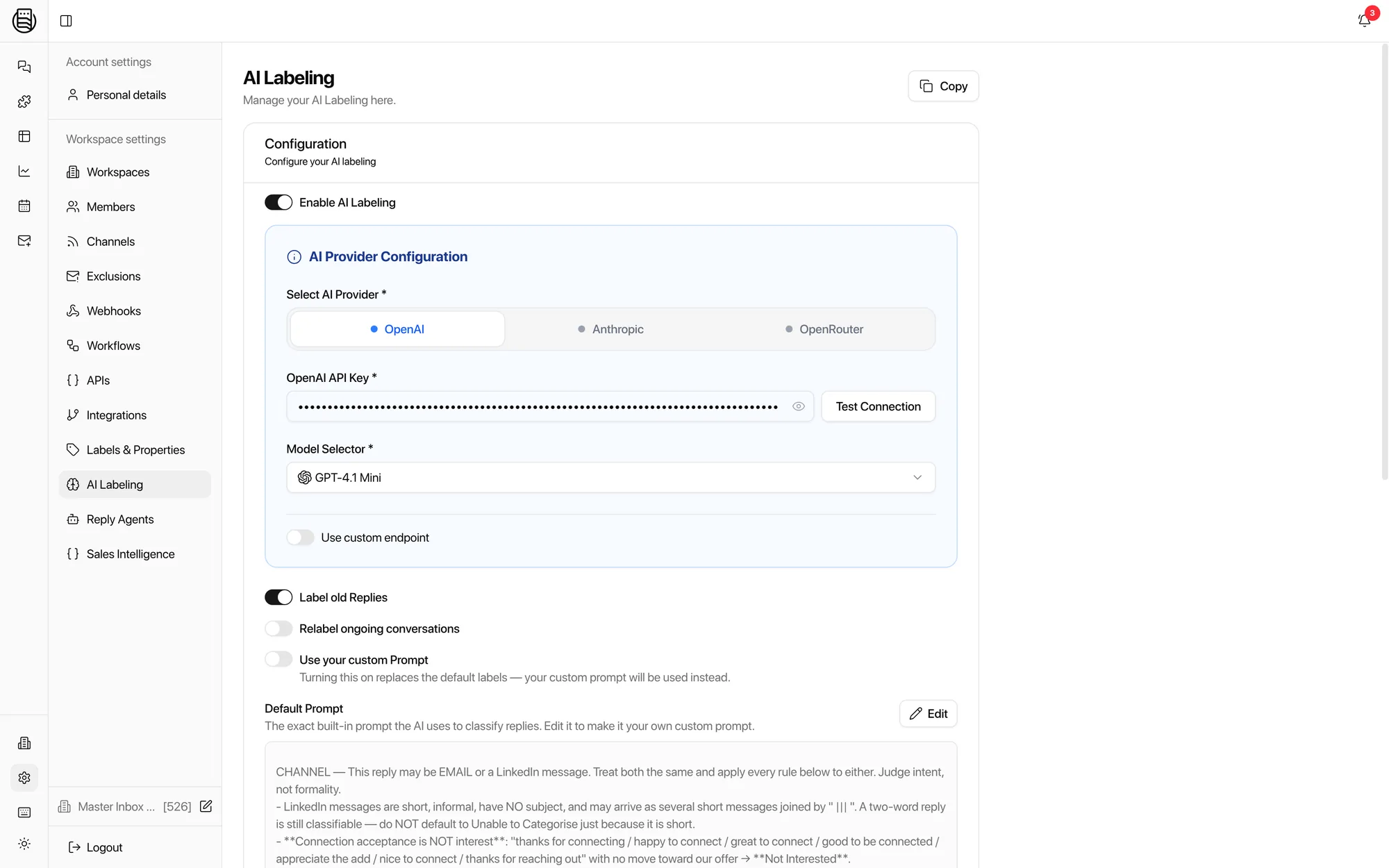
| AI on replies | Intent labels, drafts in your voice, reply agents that can answer and book | Rules-based assignment and tags; no outbound intent labels or reply agents |
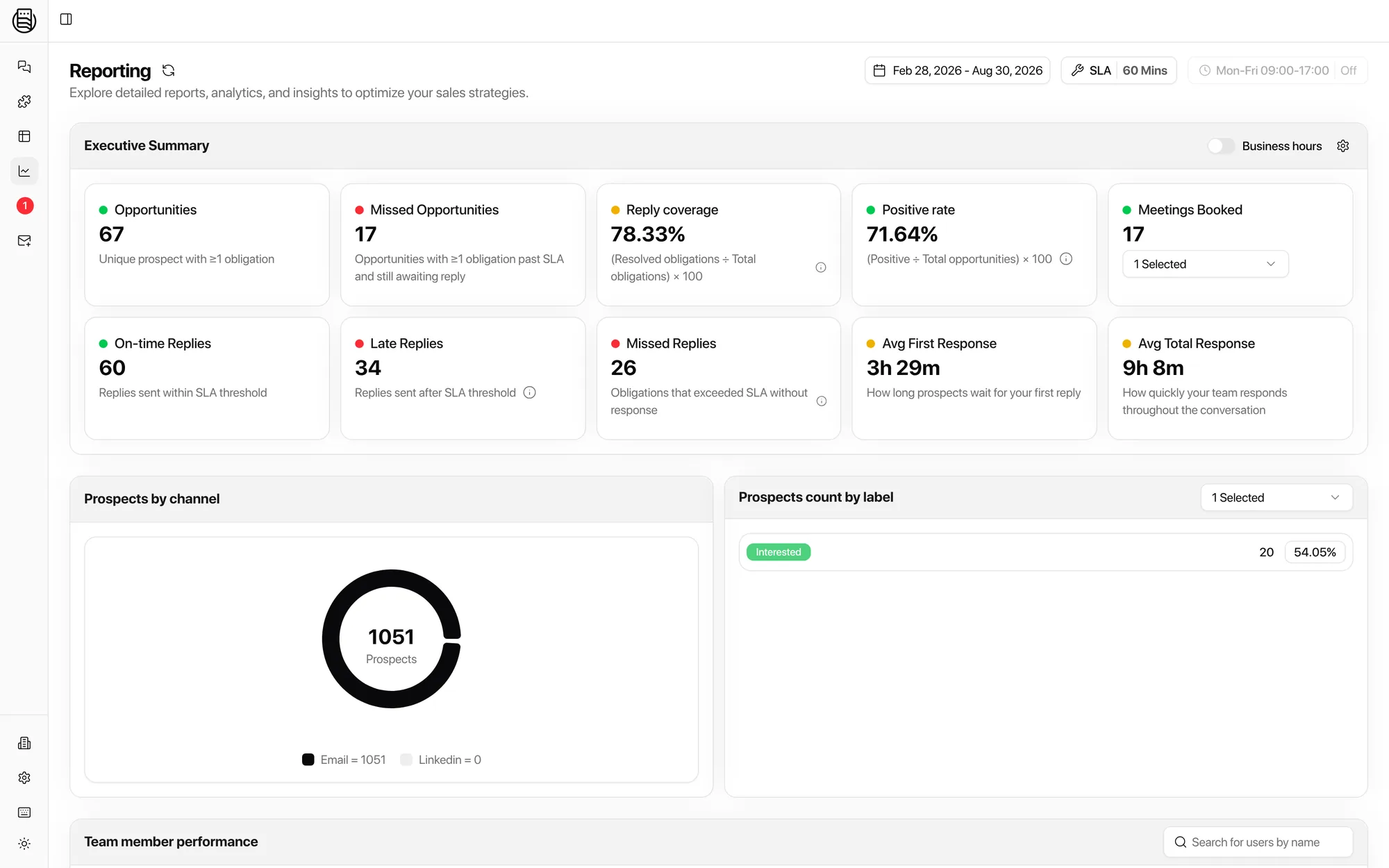
| SLA / response-time reporting | Built in, per client and per rep | Not available |
| Users | Unlimited on every plan | Priced per seat |
| Campaign attribution across tools | Every reply linked to the sequencer, campaign and lead that produced it | Smartlead campaigns only |
Swipe to see the full table
Comparison last verified: August 2026. Competitor features and pricing change; tell us if a row is out of date.
Why agencies add Master Inbox on top of Smartlead
None of this is about Smartlead's sending. It is about what happens to a reply once it is not in that one workspace's inbox anymore.
One workspace is not the whole agency
Agencies run a separate Smartlead workspace per client, sometimes per pod. Smartlead's inbox shows one workspace at a time, so a manager checking client health opens tabs one by one. Master Inbox merges every workspace, every client, into a single view with role-based access.
Forwarded replies get missed
A prospect forwards a reply, CCs a colleague, or replies from a changed address, and a workspace-bound inbox can lose the thread. Master Inbox connects mailboxes directly rather than relying on the send path; in our internal side-by-side data, direct connections catch roughly 12% more replies.
LinkedIn never shows up
Smartlead sends email. Half of an SDR's real conversations happen in LinkedIn DMs after the email lands. Master Inbox threads LinkedIn and email together per prospect, so the reply that matters is not sitting in a different app.
Inbound leads have nowhere to go
A form fill or an inbound reply that never touched a Smartlead campaign has no home in Smartlead's inbox. Master Inbox routes inbound leads into the same queue your team already works, tagged and assigned like any other reply.
No SLA reporting across the team
Smartlead's inbox tells you what came in. It does not tell you how fast your team answered it, or which client's replies are aging. Master Inbox reports response time and SLA per rep and per client.
Seats add up fast
Adding a QA reviewer or a client-side approver to Smartlead's inbox means another paid seat. Master Inbox includes unlimited users on every plan, so the team around the inbox can grow without a bigger bill.
Questions we get
Is there a better inbox for Smartlead?
Can I keep sending with Smartlead?
What does Smartlead's inbox miss?
Does Master Inbox replace Smartlead?
Do I need Master Inbox if I only run one Smartlead workspace?
How does Master Inbox connect to Smartlead?
Is there a free trial?
Do agencies running multiple Smartlead workspaces need anything special?
Also comparing? Instantly alternative · Hothawk alternative · the Smartlead integration · the full comparison
Compared against Smartlead's public documentation, last checked 21 September 2026. Smartlead is a trademark of its owner; Master Inbox is an independent product and is not affiliated with Smartlead.