
Every reply, every label, every workspace, over an API
Inbox, prospects, labels, views, workflows, workspaces, reply agents and the sequencer integrations: 150 or so endpoints under one key, with webhooks for the events you would otherwise poll for. Built for agencies wiring Master Inbox into their own portal and teams feeding replies to their own database.
Free 7-day POC. Unlimited users on every plan. API access is included.
What can you do with the Master Inbox API?
Read and write every reply, label, workspace and workflow over 150+ endpoints, on one key and one base URL. Grouped below the way the reference groups them.
Threads, messages, drafts, replies, folders, reminders.
Search, create, update, labels per prospect, lists.
Create labels, label stats per campaign, sync logs, bulk relabel.
Create and update saved views with the same filters the inbox uses.
List, create, update, pause and delete, plus the live catalog of triggers and actions.
Create, update, clone and switch workspaces. Members and channels alongside.
Create and update agents, drafts, human-in-the-loop state.
Smartlead, Instantly, EmailBison, HeyReach, PlusVibe, QuickMail, SalesRobot campaigns and lists by id.
Bookings across Cal.com, Calendly, HubSpot, GoHighLevel, Chili Piper and Google Calendar.
A workflow, created in one request
The same payload the two-click builder on the workflows page produces. Validation runs before anything is written, and a rejected request lists every problem with the field it applies to.
POST https://api.masterinbox.com/api/api-webhook/v1/api/workflows/create-workflow
{
  "name": "Notify Slack when a hot lead replies",
  "trigger_type": "add_label",
  "trigger_config": { "label_ids": [5] },
  "action_configs": [
    { "action_type": "add_labels", "label_ids": [5] },
    { "action_type": "slack_notify", "slack_webhook_url": "https://hooks.slack.com/services/..." }
  ]
}
Fetch /workflows/filter-fields first: it returns the live triggers, actions and filter fields from the same catalog the validator enforces, so nothing you build can drift from what the API accepts.
Webhooks for the events you would otherwise poll for
Register a URL in Settings or over the API, pick the events, and Master Inbox posts each one as it happens.
message_incoming_outgoingA reply landed or a reply was sent, on email or LinkedIn.label_changedA label was added, removed or replaced, by a human, the AI or a sync.prospect_list_changedA thread moved between lists.agent_draft_createdA reply agent drafted a reply and is waiting for review.reminder_notificationA reminder came due for the thread owner.email_disconnectedA mailbox lost its connection, before replies go missing.slack_integrationSlack-side events for the Master Inbox Slack app.
Each workflow can also expose its own incoming webhook URL, so another tool can start a workflow with a payload of its own.
How agencies use it
The asks that come up on calls, and the endpoints that answer them.
- A client portal on top of Master Inbox. Create a workspace per client, clone it for the next one, create a view of positives only, and read threads and labels into your own UI.
- Replies into your own database. Subscribe to message and label events, or pull prospects with their labels on a schedule, instead of parsing sequencer webhooks.
- Provisioning at scale. Workspace, members, channels and labels created by script when a new client signs, with workflows added one call each.
- Campaign hygiene. Look up Smartlead, Instantly, EmailBison, HeyReach or PlusVibe campaigns by id, then add, remove, pause or unsubscribe prospects from them.
Full reference: app.masterinbox.com/api-docs.html. The workflow section is also published as plain markdown for coding agents at public-workflow-api.md.
Explore more: Workflows, integrations, Client workspaces, pricing
Questions we get
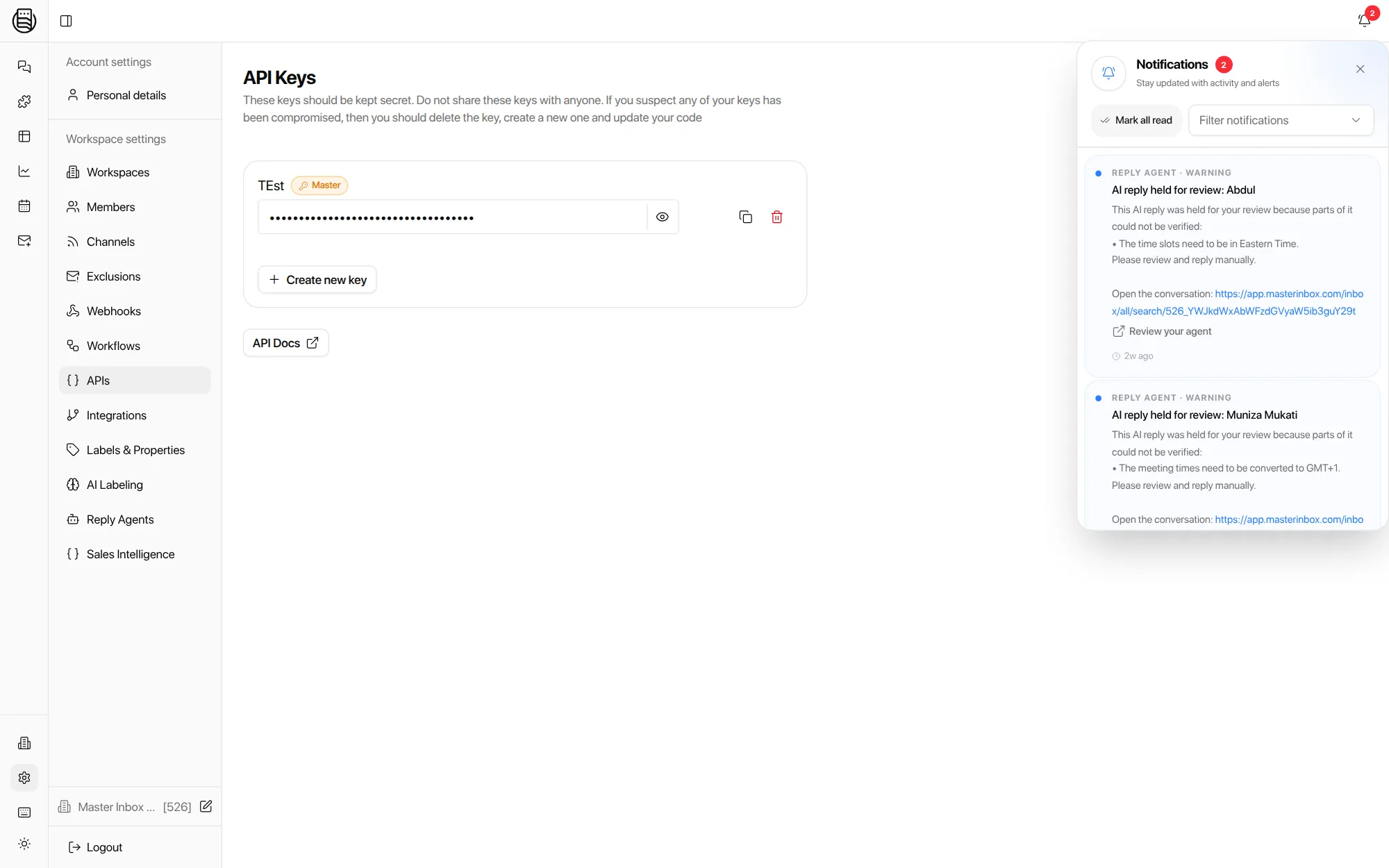
How do I get a key?
Is the API included in every plan?
Is there rate limiting?
Can I manage everything the app can?
Do you have a Zapier or n8n node?
Is there an SDK?
See it on your own inboxes
Book a demo with a developer on the call and we will walk the endpoints against your workspace.
Start your free 7-day POC