
 Sends
Sends Routes the reply
 Closes
Connect SalesFlow with Attio
SalesFlow sends. Attio closes. The replies in between get lost.
Master Inbox is the router in the middle
SalesFlow is a LinkedIn automation platform for sales teams and agencies running many seats. Attio is a modern, flexible CRM teams build into the exact workflow they want. The gap is the replies: they scatter across mailboxes, and getting them into Attio means a rep copying threads by hand, if they remember at all. Master Inbox is the router in the middle. It catches every reply from SalesFlow, including the forwards and out-of-office SalesFlow never surfaces, tags it by intent, and syncs the contact, conversation, and stage straight into Attio. Reps work one inbox; Attio fills itself with warm leads.
What you can do
- Every SalesFlow reply becomes a Attio contact with the full thread attached
- Interested replies mapped to the right Attio stage automatically
- Reply from Master Inbox, logged to Attio, with zero double entry
- Stop SalesFlow from emailing prospects already active in Attio
How the SalesFlow to Attio flow gets set up
- 1Connect the LinkedIn accounts SalesFlow runs onAdd the LinkedIn accounts behind your SalesFlow outreach. Every conversation threads into the same inbox as your email replies, per prospect.
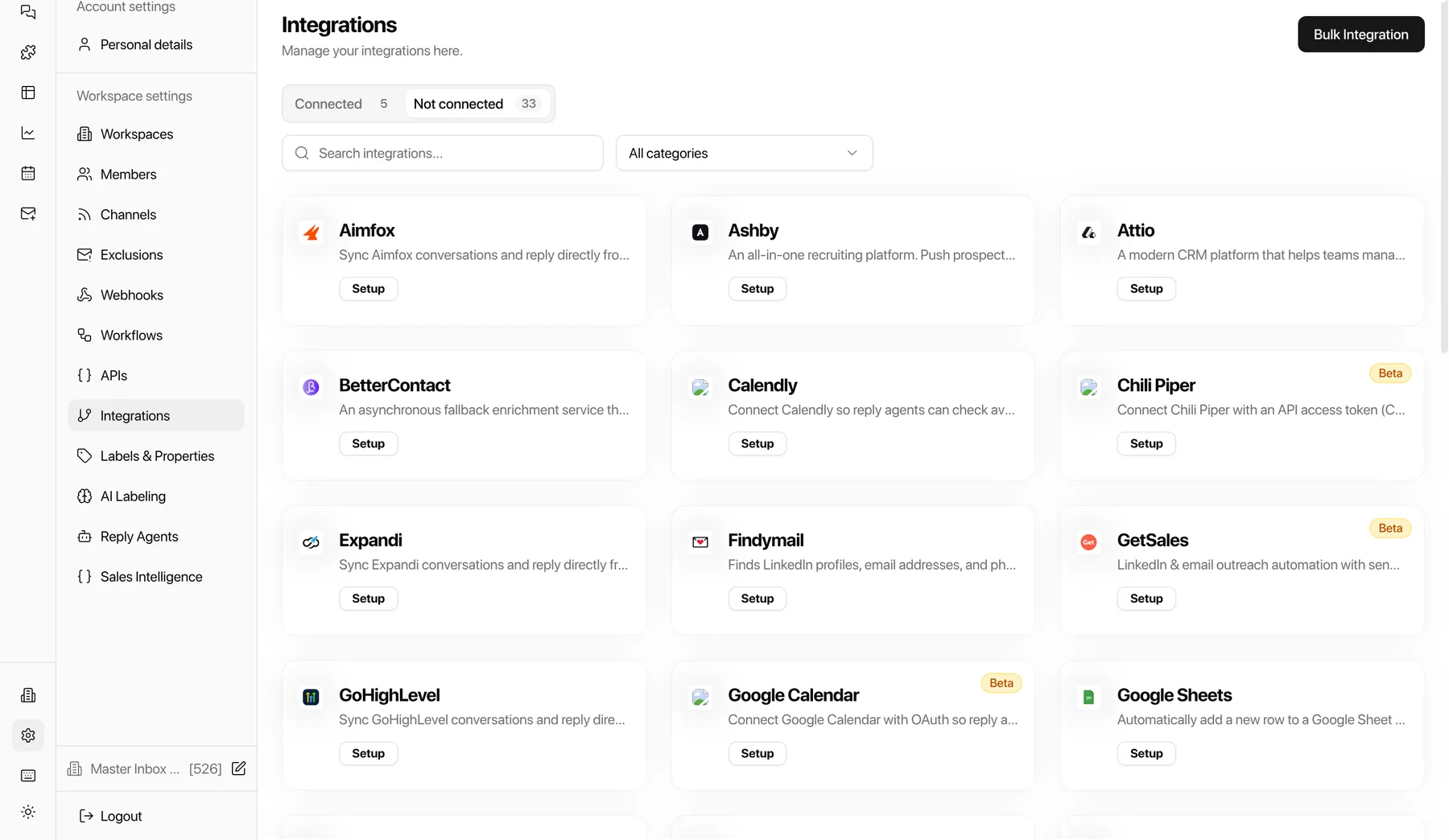
- 2Connect AttioIn Settings, open Integrations and connect Attio. Contacts, conversations, and reply tags sync automatically from then on.
- 3Map labels to Attio stagesChoose which reply labels (interested, pricing, referral) create or update Attio records and which pipeline stage each one lands in.
- 4Go live with white-glove onboardingOnboarding is done with you, not handed off to docs: we wire the SalesFlow to Attio flow on your real inboxes during the free 7-day POC.
Why it matters for outbound revenue teams
The SalesFlow-to-Attio handoff is where outbound revenue leaks: a hot reply that never makes Attio is a deal you already paid for and lost. With Master Inbox in the middle, every SalesFlow reply lands in Attio in seconds, with context.
“In an ideal scenario, fully integrated with our CRM, which is the tricky part. We use Attio.”
SalesFlow + Attio FAQs
How does Master Inbox connect SalesFlow and Attio?
It reads replies from your SalesFlow mailboxes, tags them, and syncs the contact, conversation, and stage into Attio, automatically. It's the reply router between the two.
Do reps reply from SalesFlow or Attio?
Neither. Reps reply from Master Inbox in one place, and the activity is logged to Attio without copy-paste.
Does it catch SalesFlow replies that never reach Attio today?
Yes. Forwards, out-of-office, and new-address replies SalesFlow drops are caught and pushed into Attio with context.
What lands in Attio when a prospect shows interest?
The contact is created the moment interest shows, and the full conversation syncs to the record with its intent tag. Reps keep replying from one inbox while Attio stays current on its own, with no copy-paste or brittle glue.
Do both LinkedIn and email threads reach Attio?
Yes. LinkedIn threads and email threads with the same prospect sync to the matching Attio record with their label and stage, so the person record shows the whole outbound conversation across channels.
Can agencies keep each client separate when syncing to Attio?
Yes. Master Inbox runs one workspace per client with its own mailboxes, labels and members, and client logins are scoped to their own inbox only, so client work stays isolated while your team sees every reply.
Go deeper
Keep reading
Similar pairings
See SalesFlow, Master Inbox, and Attio working together on your real inboxes.
We wire up the whole flow and onboard your team. If the SalesFlow to Attio handoff isn't tighter inside a week, you walk. No commitment, no credit card.
Get onboarded free