
 Sends
 Routes the reply
 Closes
Connect Instantly with Attio
Instantly sends. Attio closes. The replies in between get lost.
Master Inbox is the router in the middle
Instantly sends high-volume cold email with built-in deliverability and a lead database. Attio is a modern, flexible CRM teams build into the exact workflow they want. The gap is the replies: they scatter across mailboxes, and getting them into Attio means a rep copying threads by hand, if they remember at all. Master Inbox is the router in the middle. It catches every reply from Instantly, including forwards and out-of-office chains that land outside Instantly's campaign inbox, tags it by intent, and syncs the contact, conversation, and stage straight into Attio. Reps work one inbox; Attio fills itself with warm leads.
What you can do
- Every Instantly reply becomes a Attio contact with the full thread attached
- Interested replies mapped to the right Attio stage automatically
- Reply from Master Inbox, logged to Attio, with zero double entry
- Stop Instantly from emailing prospects already active in Attio
Automations to run on Instantly + Attio
The workflows a GTM engineer would set up first. Each one is a real Master Inbox trigger and real actions, built in the app in a few clicks or with one API request.
Positive Instantly replies create Attio records
Revenue planInterest shows up in Attio without reps copying anything, and only for prospects who replied.
Meeting booked stops Instantly
Sales planThe label change flows to Attio through the sync, and the sequence stops.
Send anything else to Attio by webhook
Sales planCustom objects and fields stay in your control, with every reply field in the payload.
Not interested opts the lead out of Instantly
Sales planOne label stops every future touch, so nobody gets a follow-up after saying no.
"Not now" goes into a Instantly nurture
Sales planTiming objections become next quarter's pipeline instead of a dead thread.
From the workflow library
- Get Slack alerts for positive Instantly replies with the campaign name
- Create a HubSpot deal when a cold email reply is marked Interested
- Sync Instantly interested leads to HubSpot and tell the AE in Slack
- Send interested replies to Attio with custom field mapping
- Stop the Instantly sequence when a meeting is booked
- Rebook no-shows with an Instantly subsequence
How the Instantly to Attio flow gets set up
- 1Connect the mailboxes behind InstantlyBulk-import the sending mailboxes your Instantly campaigns run on. Master Inbox reads the mailbox itself, which is how it catches forwards, out-of-office chains, and new-address replies that land outside Instantly's campaign inbox.
- 2Link your Instantly workspaceIn Settings, open Integrations and connect Instantly with your API key. Campaign context now travels with each reply, so you can see which sequence started every conversation.
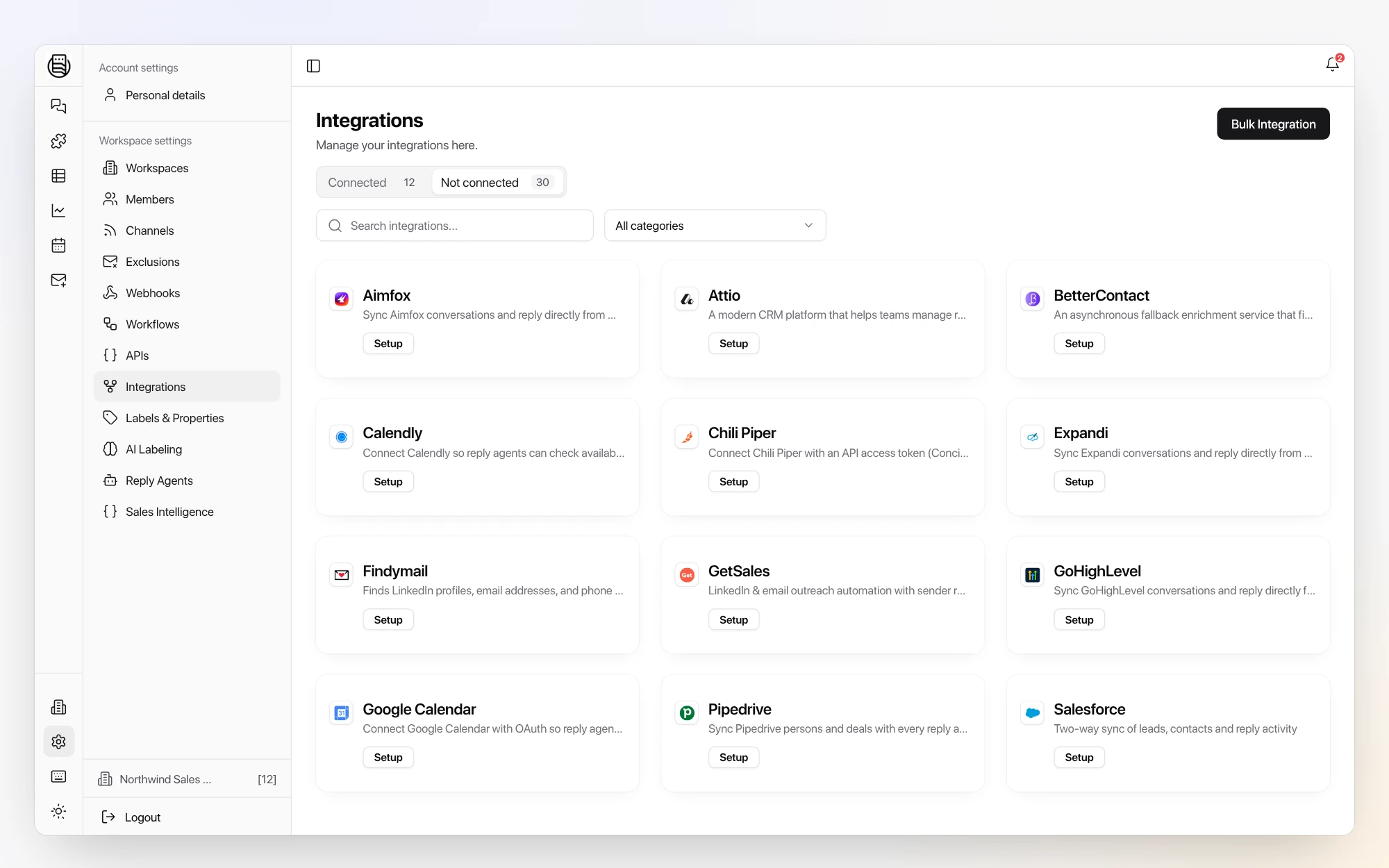
- 3Connect AttioIn Settings, open Integrations and connect Attio. Contacts, conversations, and reply tags sync automatically from then on.
- 4Map labels to Attio stagesChoose which reply labels (interested, pricing, referral) create or update Attio records and which pipeline stage each one lands in.
- 5Go live with white-glove onboardingOnboarding is done with you, not handed off to docs: we wire the Instantly to Attio flow on your real inboxes.
Why it matters for outbound revenue teams
The Instantly-to-Attio handoff is where outbound revenue leaks: a hot reply that never makes Attio is a deal you already paid for and lost. With Master Inbox in the middle, every Instantly reply lands in Attio in seconds, with context.
“In an ideal scenario, fully integrated with our CRM, which is the tricky part. We use Attio.”
Instantly + Attio FAQs
How does Master Inbox connect Instantly and Attio?
It reads replies from your Instantly mailboxes, tags them, and syncs the contact, conversation, and stage into Attio, automatically. It's the reply router between the two.
Do reps reply from Instantly or Attio?
Reps reply from Master Inbox in one place, and the activity is logged to Attio without copy-paste.
Does it catch Instantly replies that never reach Attio today?
Yes. Forwards, out-of-office and new-address replies that land outside Instantly's campaign inbox are caught and pushed into Attio with context.
Can one inbox manager work replies across all our Instantly accounts?
Yes. Teams consolidate 50 or more Instantly accounts into one queue with shared labels, snooze, and follow-ups, instead of logging in account by account.
If reps work replies here, does our CRM still get the full picture?
Yes. Contacts, threads, and stages sync to your CRM automatically while reps answer from one inbox, so leadership dashboards do not change.
What lands in Attio when a prospect shows interest?
The contact is created the moment interest shows, and the full conversation syncs to the record with its intent tag. Reps keep replying from one inbox while Attio stays current on its own, with no copy-paste or brittle glue.
Do both LinkedIn and email threads reach Attio?
Yes. LinkedIn threads and email threads with the same prospect sync to the matching Attio record with their label and stage, so the person record shows the whole outbound conversation across channels.
Can each team stay separate when syncing to Attio?
Yes. Master Inbox runs one workspace per team, region or brand with its own mailboxes, labels and members, and logins can be scoped to one workspace, so each team's work stays isolated while managers see every reply.
Go deeper
Keep reading
Similar pairings
See Instantly, Master Inbox, and Attio working together on your real inboxes.
Book a call and we wire up the whole Instantly to Attio flow with you and onboard your team, so you judge the handoff on real replies.
Book a call