
 Sends
 Routes the reply
 Closes
Connect EmailBison with Cal.com
From an EmailBison reply to a booked Cal.com meeting, in one step.
Master Inbox is the router in the middle
EmailBison is a white-labeled, privately hosted cold email sequencer for agencies. Cal.com is the open-source, self-hostable scheduling platform teams choose for control and privacy. Between them is a rep copying a link and playing time-zone tennis while the lead cools off. Master Inbox routes it: the moment an EmailBison reply shows intent, the reply agent offers real Cal.com availability and books the meeting straight into your calendar, tied to the conversation, while the prospect is engaged.
What you can do
- Turn an interested EmailBison reply into a booked Cal.com slot without a rep touching it
- Offer real Cal.com availability inside the reply, no back-and-forth
- Cut speed-to-book from hours to minutes
- Keep every Cal.com meeting linked to the EmailBison conversation
Automations to run on EmailBison + Cal.com
The workflows a GTM engineer would set up first. Each one is a real Master Inbox trigger and real actions, built in the app in a few clicks or with one API request.
Cal.com booking stops EmailBison
Sales planThe moment a prospect books, the sequence stops and the thread moves to your booked list.
No-show gets a rebook within the hour
Sales planNo-shows are the cheapest meetings to win back, if someone acts the same day.
Reply agent offers times from the rep's calendar
Sales planInterested prospects get real times in minutes instead of a link and a wait.
Not interested opts the lead out of EmailBison
Sales planOne label stops every future touch, so nobody gets a follow-up after saying no.
"Not now" goes into a EmailBison nurture
Sales planTiming objections become next quarter's pipeline instead of a dead thread.
From the workflow library
- Remove a lead from the EmailBison campaign after a Cal.com booking
- Send EmailBison interested replies to a Microsoft Teams channel
- Create a HubSpot deal when a cold email reply is marked Interested
- Move the HubSpot deal stage to Meeting held when a meeting is completed
- Log the cold email thread to Salesforce when a meeting is booked
- Add a GoHighLevel contact and Meeting booked tag when a prospect books
How the EmailBison to Cal.com flow gets set up
- 1Connect the mailboxes behind EmailBisonBulk-import the sending mailboxes your EmailBison campaigns run on. Master Inbox reads the mailbox itself, which is how it catches forwards, out-of-office chains, and new-address replies that land outside EmailBison's campaign inbox.
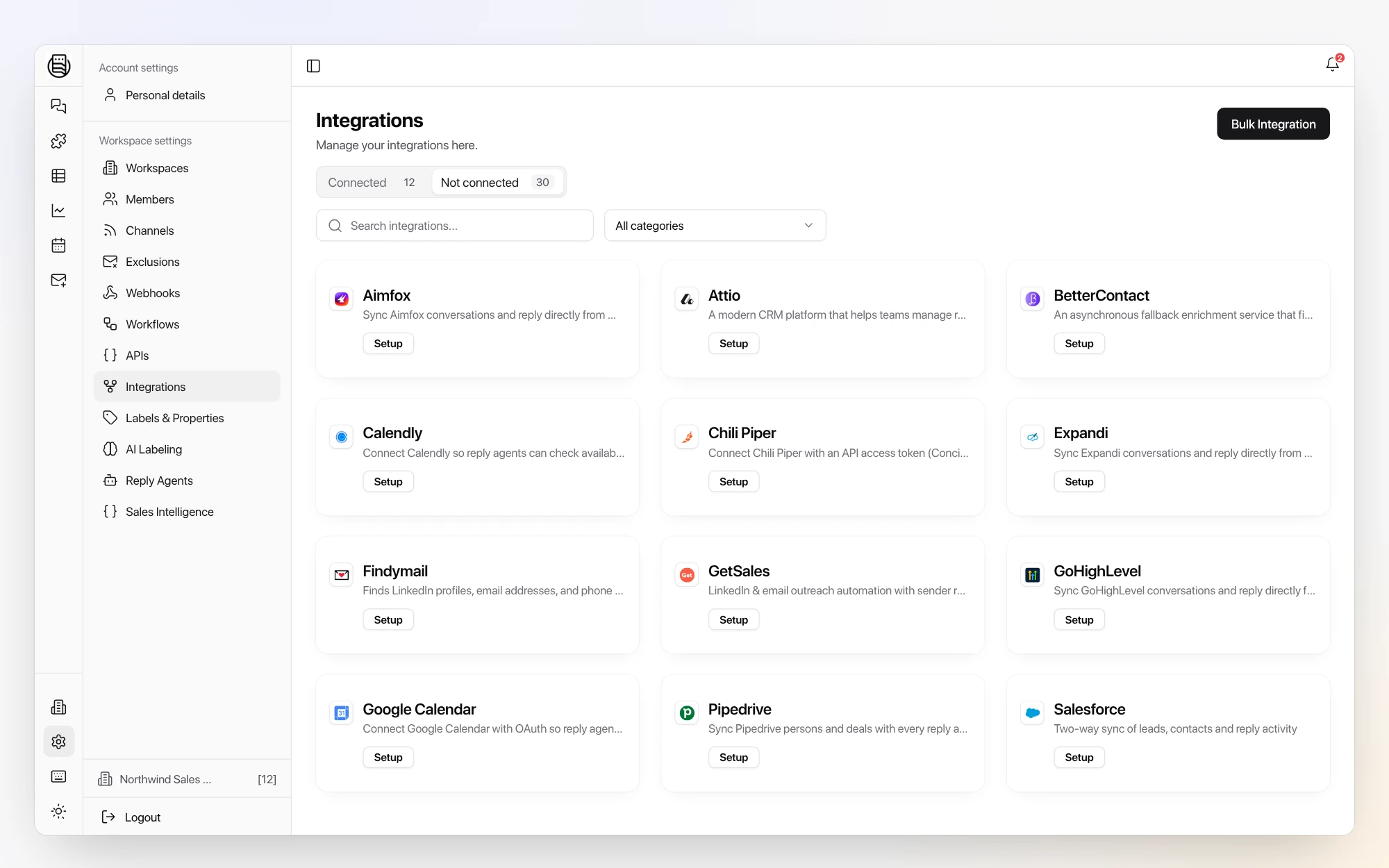
- 2Link your EmailBison workspaceIn Settings, open Integrations and connect EmailBison with your API key. Campaign context now travels with each reply, so you can see which sequence started every conversation.
- 3Connect Cal.comLink your Cal.com scheduling so the reply agent can offer real availability inside the conversation and book the meeting while intent is high.
- 4Go live with white-glove onboardingOnboarding is done with you, not handed off to docs: we wire the EmailBison to Cal.com flow on your real inboxes.
Why it matters for outbound revenue teams
Every minute between an EmailBison reply and a Cal.com booking is a chance to lose the deal. Master Inbox in the middle turns "yes" into a meeting in one step.
“If it’s sub-five minutes, I honestly think we can book 100 calls a month.”
EmailBison + Cal.com FAQs
Can Master Inbox book Cal.com from an EmailBison reply automatically?
Yes. When an EmailBison reply shows intent, the agent offers Cal.com availability and books the meeting straight in.
Does the Cal.com booking stay tied to the conversation?
Yes. Every meeting links back to the EmailBison thread so the rep has full context going into the call.
Can Master Inbox sit on top of EmailBison plus our other channels?
Yes, that is the model: EmailBison keeps sending, and replies from Bison, LinkedIn, and inbound land in one inbox so nobody logs into three platforms to answer.
Do "not interested" leads sync back to the EmailBison blocklist?
Yes. Labels write back to EmailBison, including do-not-contact, so opted-out prospects stop getting follow-ups.
Go deeper
Keep reading
Similar pairings
See EmailBison, Master Inbox, and Cal.com working together on your real inboxes.
Book a call and we wire up the whole EmailBison to Cal.com flow with you and onboard your team, so you judge the handoff on real replies.
Book a call