
 Sends
Sends Routes the reply
 Closes
Connect Smartlead with Calendly
From a Smartlead reply to a booked Calendly meeting, in one step.
Master Inbox is the router in the middle
Smartlead runs cold email at scale across unlimited mailboxes with rotating warmup. Calendly is the scheduling standard, the booking link everyone already knows. Between them is a rep copying a link and playing time-zone tennis while the lead cools off. Master Inbox routes it: the moment a Smartlead reply shows intent, the reply agent offers real Calendly availability and books the meeting straight into your calendar, tied to the conversation, while the prospect is engaged.
What you can do
- Turn an interested Smartlead reply into a booked Calendly slot without a rep touching it
- Offer real Calendly availability inside the reply, no back-and-forth
- Cut speed-to-book from hours to minutes
- Keep every Calendly meeting linked to the Smartlead conversation
How the Smartlead to Calendly flow gets set up
- 1Connect the mailboxes behind SmartleadBulk-import the sending mailboxes your Smartlead campaigns run on. Master Inbox reads the mailbox itself, which is how it catches forwards, out-of-office chains, and new-address replies Smartlead never surfaces.
- 2Link your Smartlead workspaceIn Settings, open Integrations and connect Smartlead with your API key. Campaign context now travels with each reply, so you can see which sequence started every conversation.
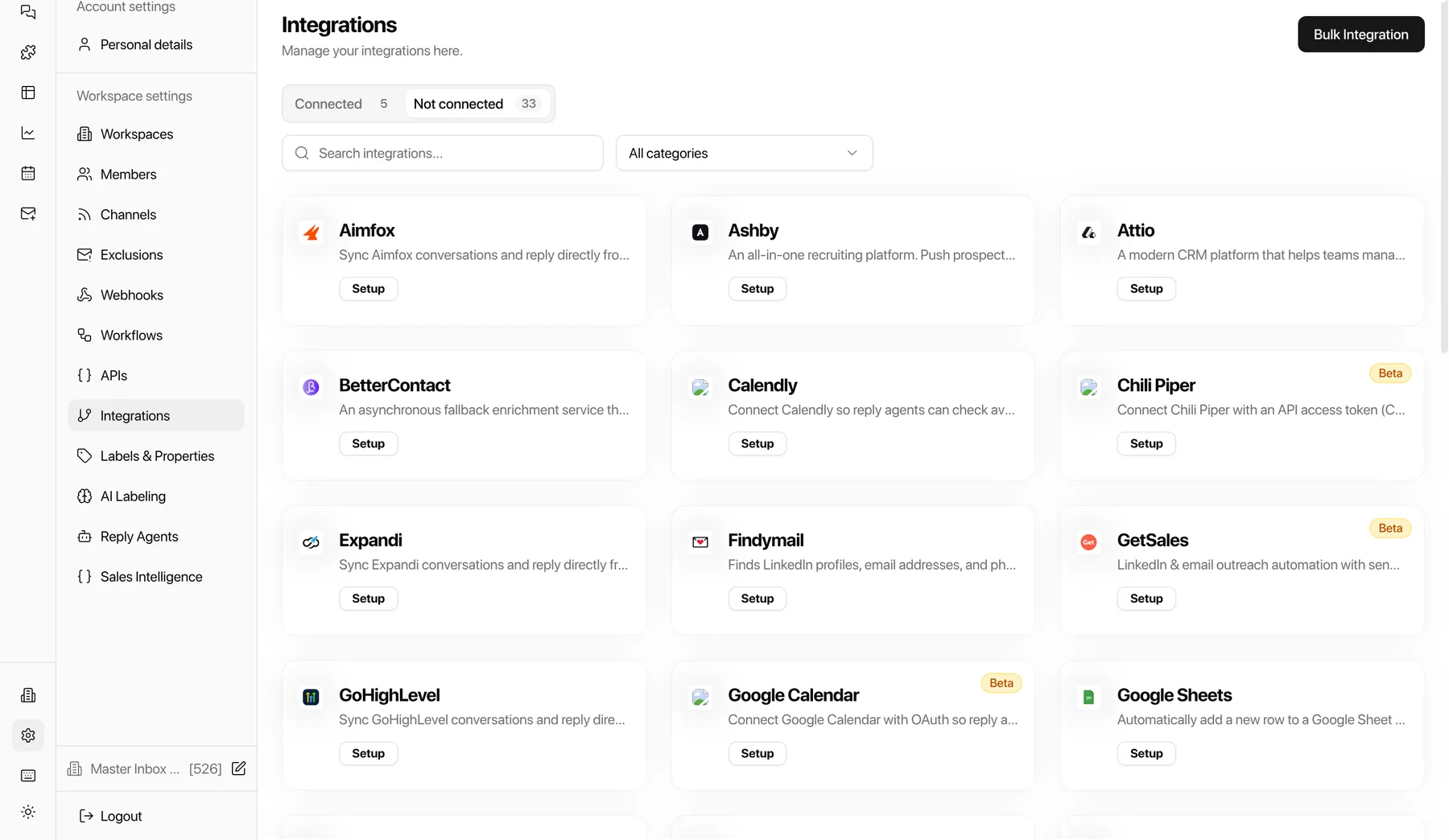
- 3Connect CalendlyLink your Calendly scheduling so the reply agent can offer real availability inside the conversation and book the meeting while intent is high.
- 4Go live with white-glove onboardingOnboarding is done with you, not handed off to docs: we wire the Smartlead to Calendly flow on your real inboxes during the free 7-day POC.
Why it matters for outbound revenue teams
Every minute between a Smartlead reply and a Calendly booking is a chance to lose the deal. Master Inbox in the middle turns "yes" into a meeting in one step.
“If it’s sub-five minutes, I honestly think we can book 100 calls a month.”
Smartlead + Calendly FAQs
Can Master Inbox book Calendly from a Smartlead reply automatically?
Yes. When a Smartlead reply shows intent, the agent offers Calendly availability and books the meeting straight in.
Does the Calendly booking stay tied to the conversation?
Yes. Every meeting links back to the Smartlead thread so the rep has full context going into the call.
How is this different from Smartlead's built-in inbox?
Master Inbox is the reply layer on top of Smartlead. It reads the mailboxes themselves, so forwards, CCs, new-address replies and replies to your reply-to domain thread in next to your campaign replies, alongside LinkedIn, AI labels, Needs Reply views, saved views, label-triggered workflows and two-way CRM sync. Keep Smartlead for sending.
A prospect books a meeting. Does anything get paused in Smartlead?
Yes. When a reply is labeled interested or a meeting books, the lead can be marked do-not-contact in Smartlead automatically, so subsequences stop firing at people who already said yes.
Do labels applied in Master Inbox sync back to Smartlead?
Yes, label sync runs both ways so Smartlead and Master Inbox tell the same story, including warm-up tags, which are excluded from your reply queue automatically.
Go deeper
Keep reading
Similar pairings
See Smartlead, Master Inbox, and Calendly working together on your real inboxes.
We wire up the whole flow and onboard your team. If the Smartlead to Calendly handoff isn't tighter inside a week, you walk. No commitment, no credit card.
Get onboarded free